![CPLogoRedNewWithDT (1).png]](https://knowledge.duramaxtuner.com/hs-fs/hubfs/CPLogoRedNewWithDT%20(1).png?height=40&name=CPLogoRedNewWithDT%20(1).png)
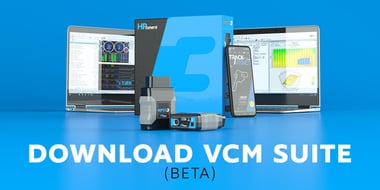
Begin by installing the programs listed below
-
- Remove the bypass cable from the bag.
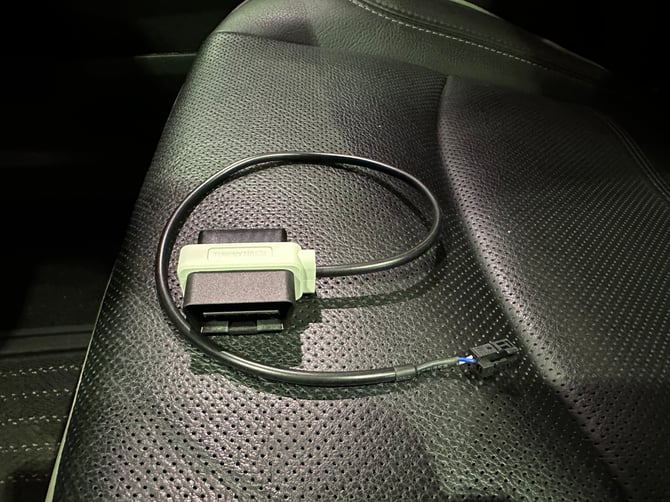
- Remove the bypass cable from the bag.
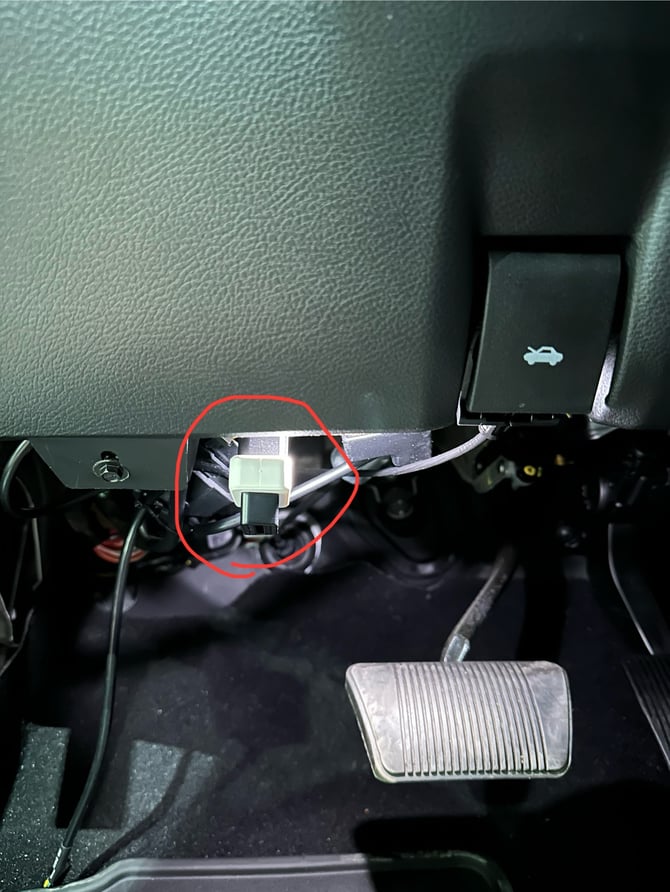
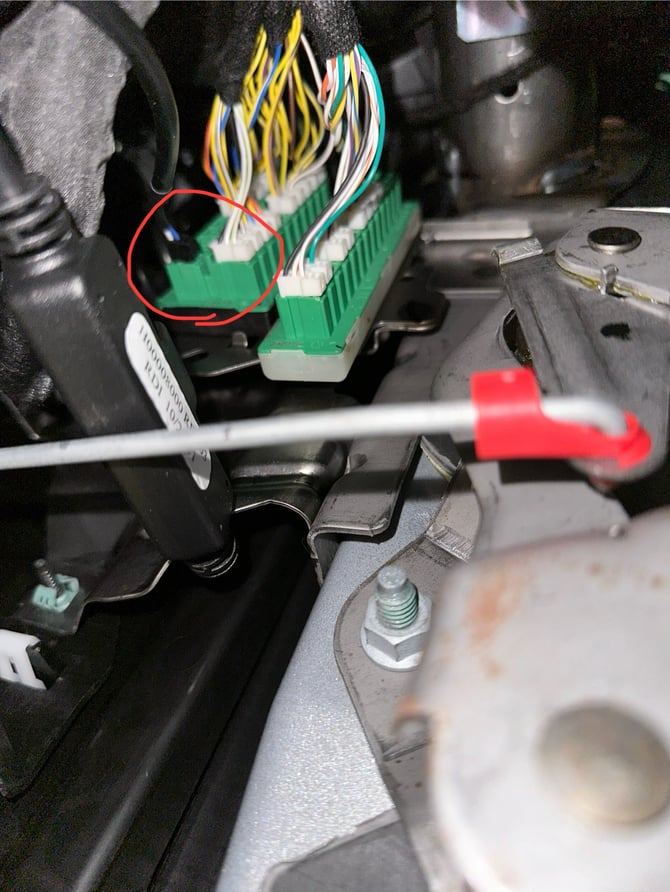
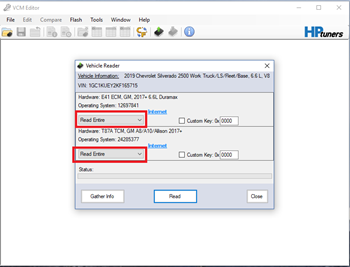
Stock Read
Info Log Instructions
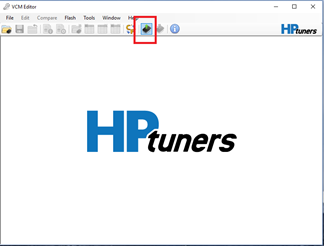
Step 1: Click the VCM Suite Info button in either the VCM Editor or VCM Scanner program.
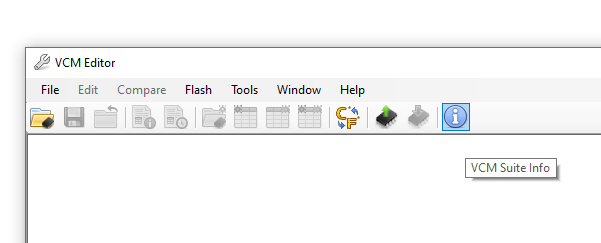
Step 2: Click the blue circle "i" icon to poll the software and the vehicle. Note: make sure your cable is connected to the vehicle and the vehicle's key is in the ON position before clicking the blue icon. This step may take five to twenty seconds to complete.
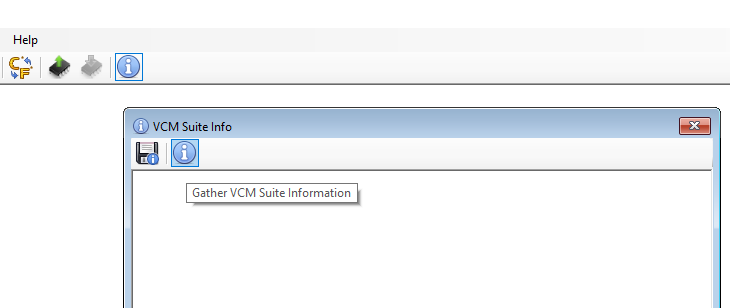
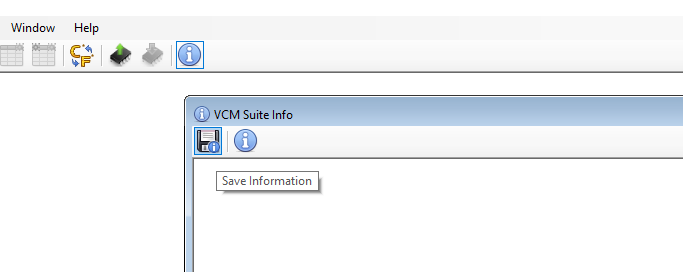
Step 3: When the Infolog has completed generating, click on the Save icon. Save it with your first and last name and VIN. Once the file is saved you will email the read and info log files to stockfile@duramaxtuner.com.
Step 4: The tuning department will build the tune files and they will be emailed over once they have been completed.
**When the stock reads have been emailed to the representative, the typical turnaround time is 1-2 business days**
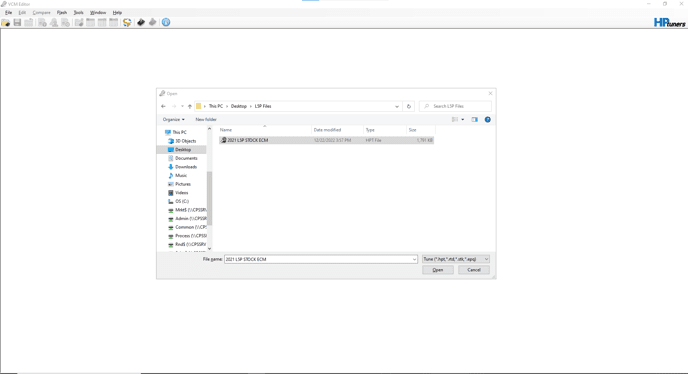
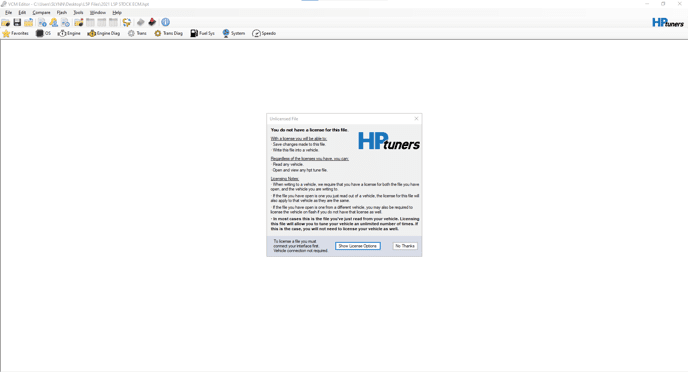
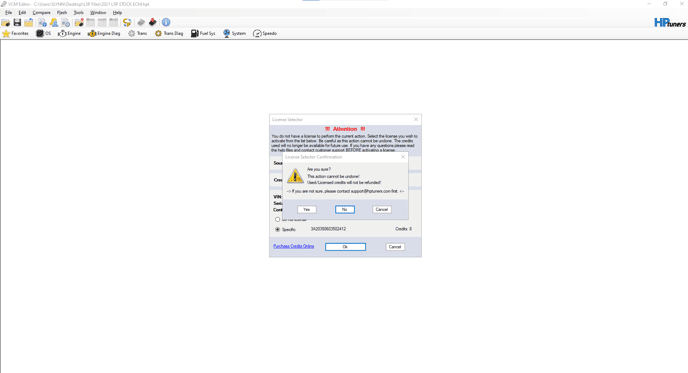
Step 5: After receiving your tune files please follow the tune writing instructions below.
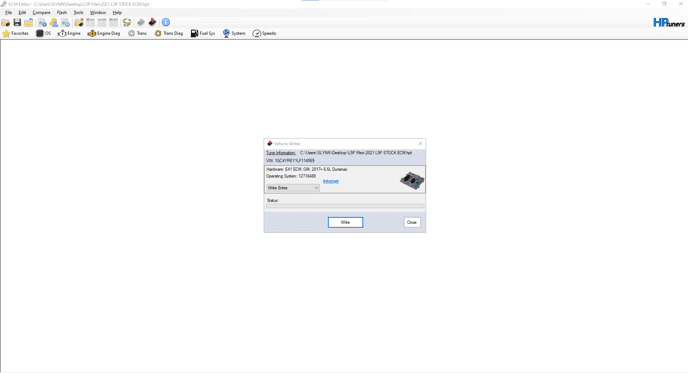
Tune Writing Instructions