![CPLogoRedNewWithDT (1).png]](https://knowledge.duramaxtuner.com/hs-fs/hubfs/CPLogoRedNewWithDT%20(1).png?height=40&name=CPLogoRedNewWithDT%20(1).png)
Stock Read (Unlocked ECM Reads)
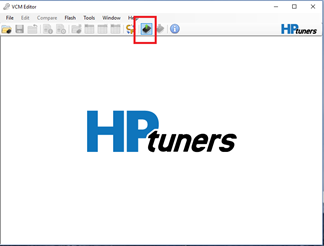
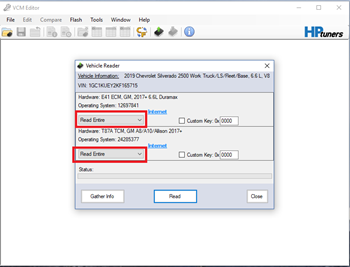
Info Log Instructions
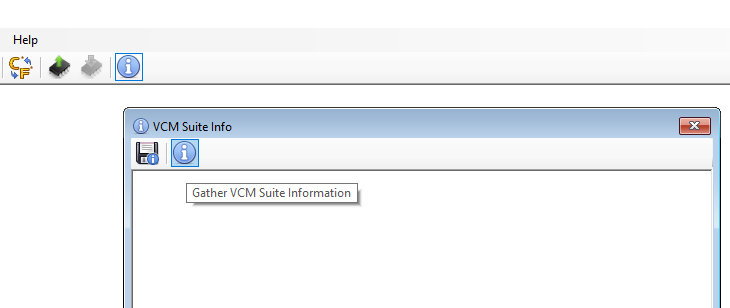
Step 1: Click the VCM Suite Info button in either the VCM Editor or VCM Scanner program.
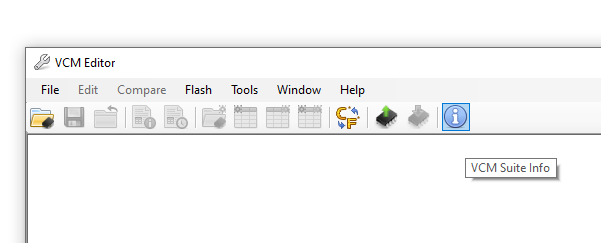
Step 2: Click the blue circle "i" icon to poll the software and the vehicle. Note: make sure your cable is connected to the vehicle and the vehicle's key is in the ON position before clicking the blue icon. This step may take five to twenty seconds to complete.
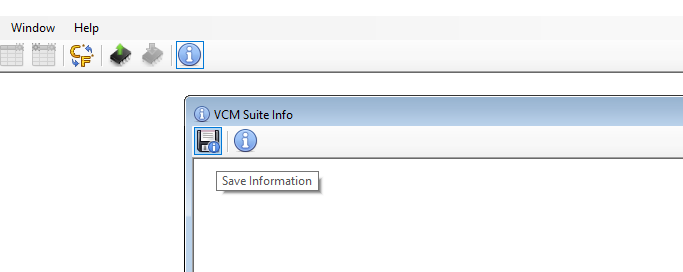
Step 3: When the Infolog has completed generating, click on the Save icon. Save it with your first and last name and VIN.
Step 4: Email the stock read and and info log to stockfile@duramaxtuner.com. The tuning department will build the tune files and they will be emailed over once they have been completed.
If you have any further questions or didn't find an answer to the question you had in this article, click here and fill out the form and one of our Remote Support experts will be in contact with you.